











PIXLIP GO LIGHTBOX 100 WIDE - assembly instructions
Overview
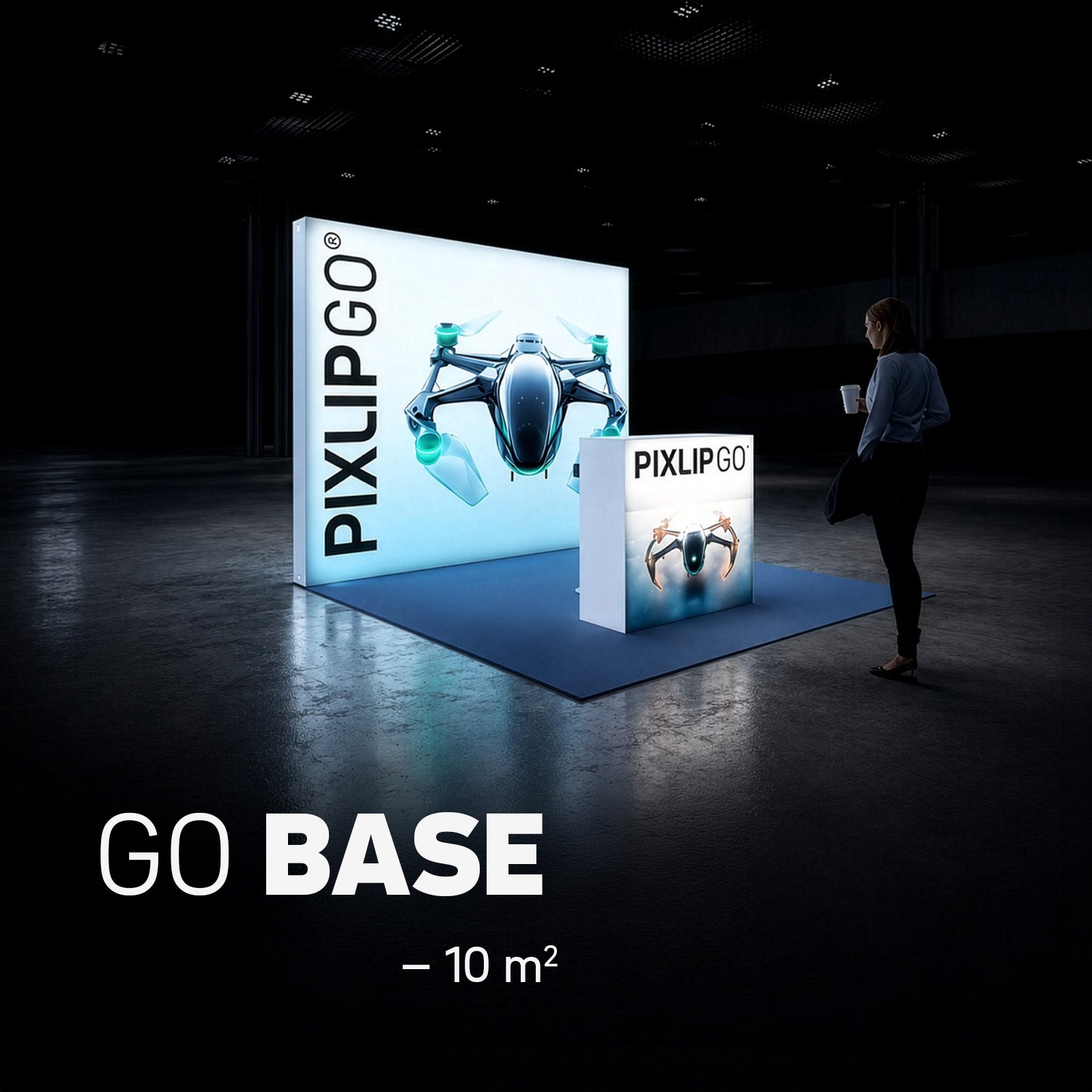
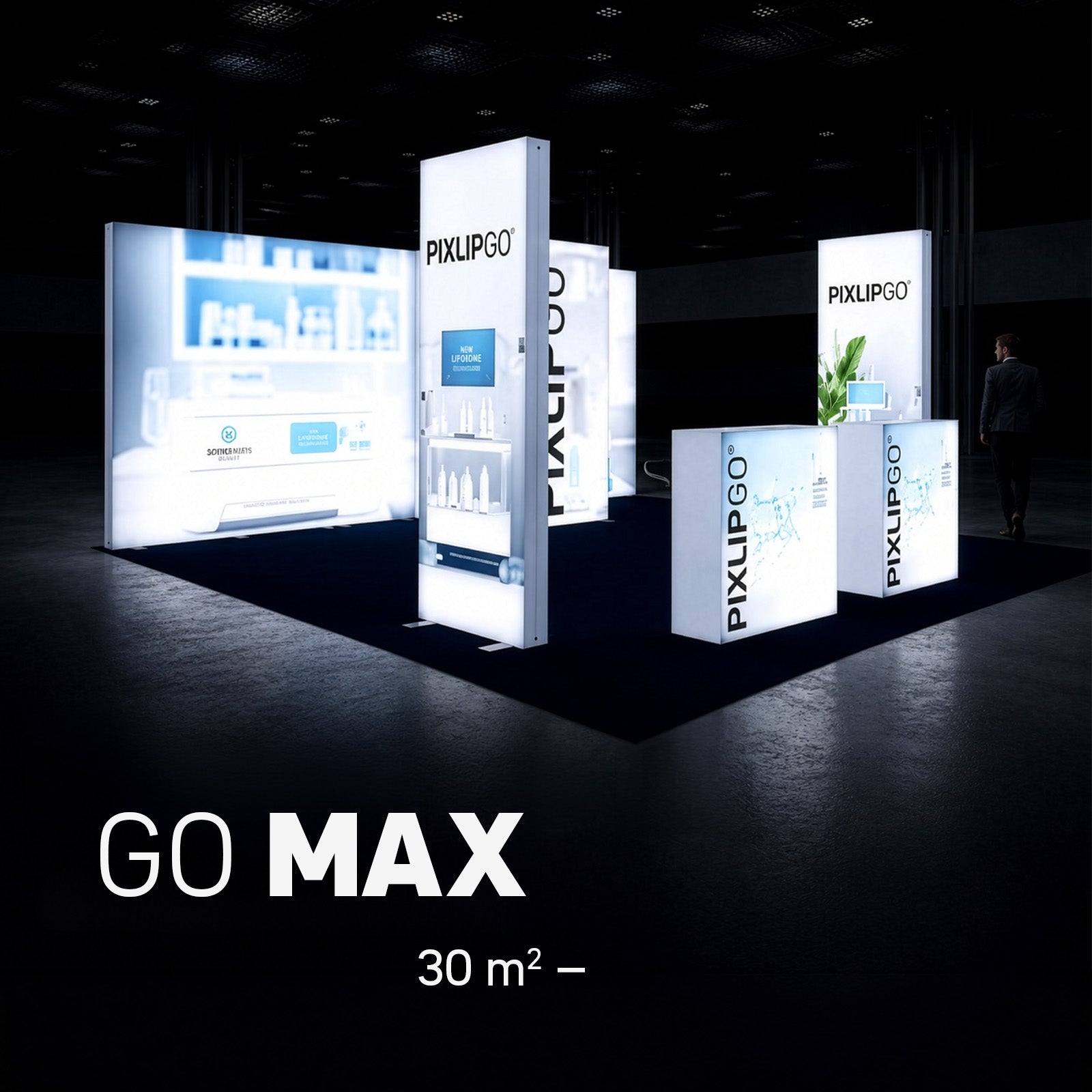
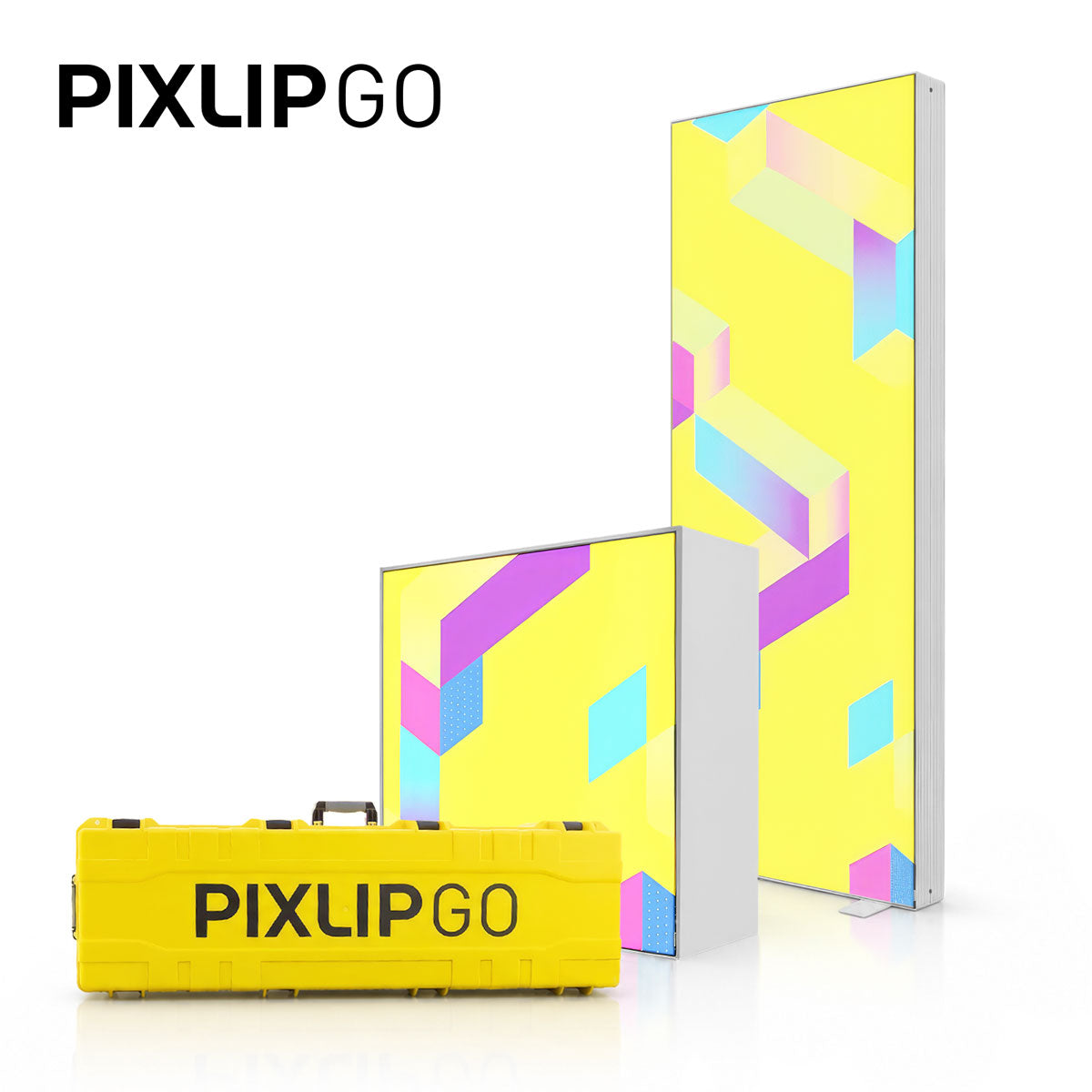
The PIXLIP GO Lightbox, 1 meter wide, is a compact, easy-to-transport solution for trade shows, events, and POS. It features tool-free assembly, a lightweight carrying bag, and brilliant LED lighting. Ideal when your presentation needs to be fast, mobile, and professional.
Contents and preparation
Before you start, lay out all the parts in an organized manner. Typical components include:
- LED profile (bottom/top)
- Profiles (with and without power supply) for the sides
- Corner connectors for the frame
- Cable for connecting the power supply and the LED module
- PIXLIP print clips and keder for the fabric
- Printed fabric (design)
- Blockout (back)
- Lengthwise connector plus strut, for additional stability
Step-by-step assembly
-
Lay out the parts
Place everything so that assembly proceeds smoothly.
-
Preparing the floor and top LED profiles
Insert the corner connectors into the left and right floor and top profiles, and slide the two foot plates underneath the future floor profile. No force or tools are needed for assembly.
-
Power connection and short extension cable
Connect the power cable to the short extension cable and place it in the notch of the corner connector. One side profile contains the power supply: slide it onto the corner connector and plug the cable into the power supply. -
Connecting the LED module at the base
Use the short spiral cable to connect the LED module at the base. Attach the second side profile on the opposite side.
-
Stabilizing the frame
Connect the lengthwise connector to the strut and attach it to the side sections. This further reinforces the frame.
-
Raise the side profiles and attach the top panel
Raise the remaining side profiles and finish by attaching the pre-installed top panel.
-
Power supply for the upper LED module
Route the slow spiral cable from the lower LED module upward along the side profile and connect it. This sets up the internal power supply for the PIXLIP GO system.
-
Connecting multiple GO LIGHTBOXES (optional)
Connect the included extension cable to the power supply and route it over the center strut to the other side. Guide the cable out through the small opening at the bottom of the corner connector. Briefly unplug the small connector from the LED module to make routing easier. This allows additional PIXLIP GO modules to be supplied with power.
-
Cable management
Use the included cable clips and plates to securely attach the wiring to struts and profiles. This ensures a clean appearance and prevents strain on the plugs.
-
Tensioning the fabric
Connect the power. The front now shines at full brightness. Your GO COUNTER L is fully assembled and ready for use.
-
Final step
Connect the power, switch on the LED - done. The entire setup is deliberately simple: fast, stable, and tool-free.