



PIXLIP print data sheets directly here.
What exactly is bleed? How do I design the perfect artwork? And what do I need to consider when exporting my files to achieve optimal print results? As experts in backlit printed graphics, we know our customers’ questions—and we know the answer.

Here you can download our PIXLIP GO print specifications sheet as a PDF.
All the information on formats, bleeds, and print-data preparation for a perfect presence at trade shows and events.

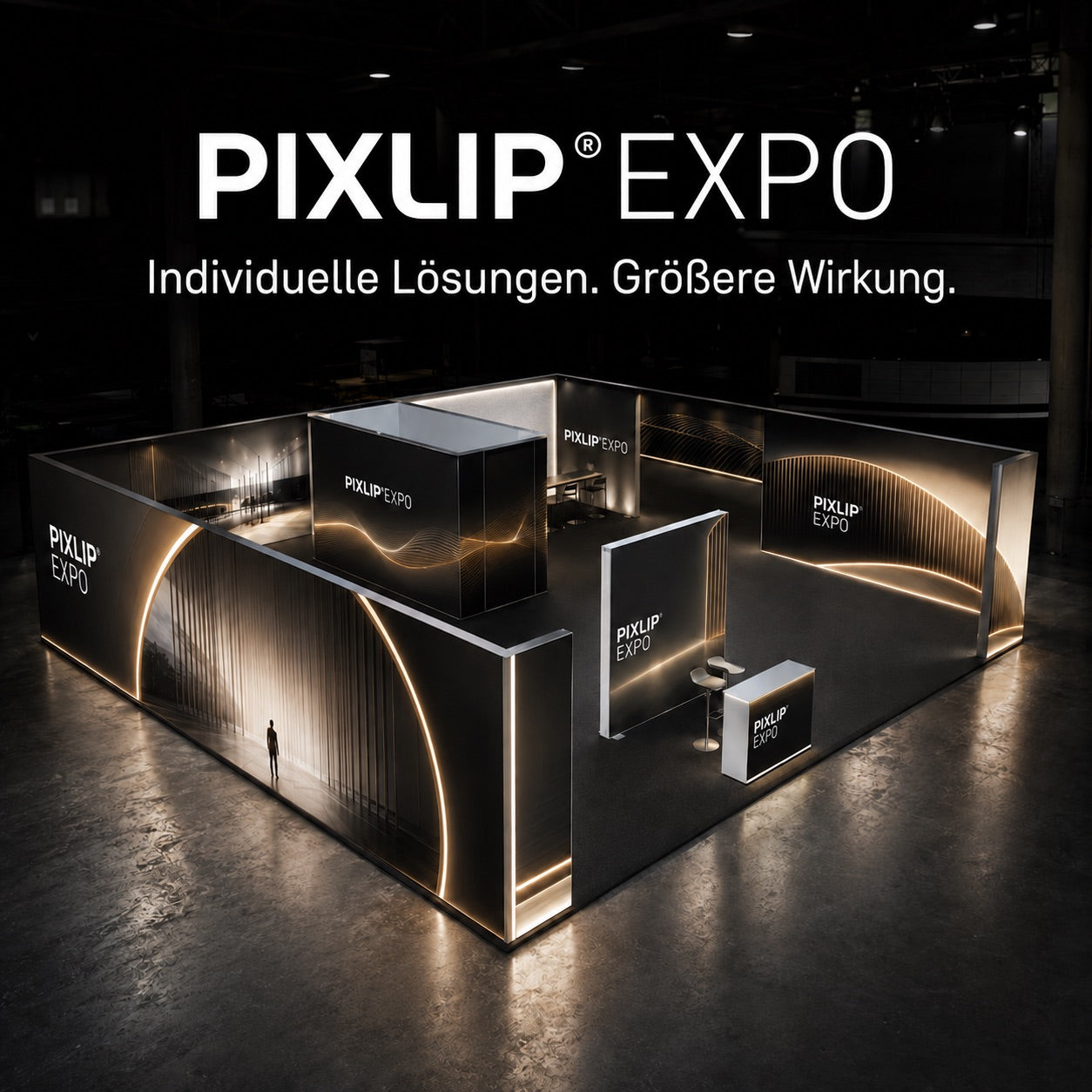
Here you will find our PIXLIP EXPO print data sheet as a PDF
Ideal for professional trade show appearances—with all the details for preparing print files for EXPO formats.

Here you can download our PIXLIP POP print data sheet as a PDF
Contains all relevant information on data format, bleed, color profiles, and print data preparation for smooth production of your POP graphics.

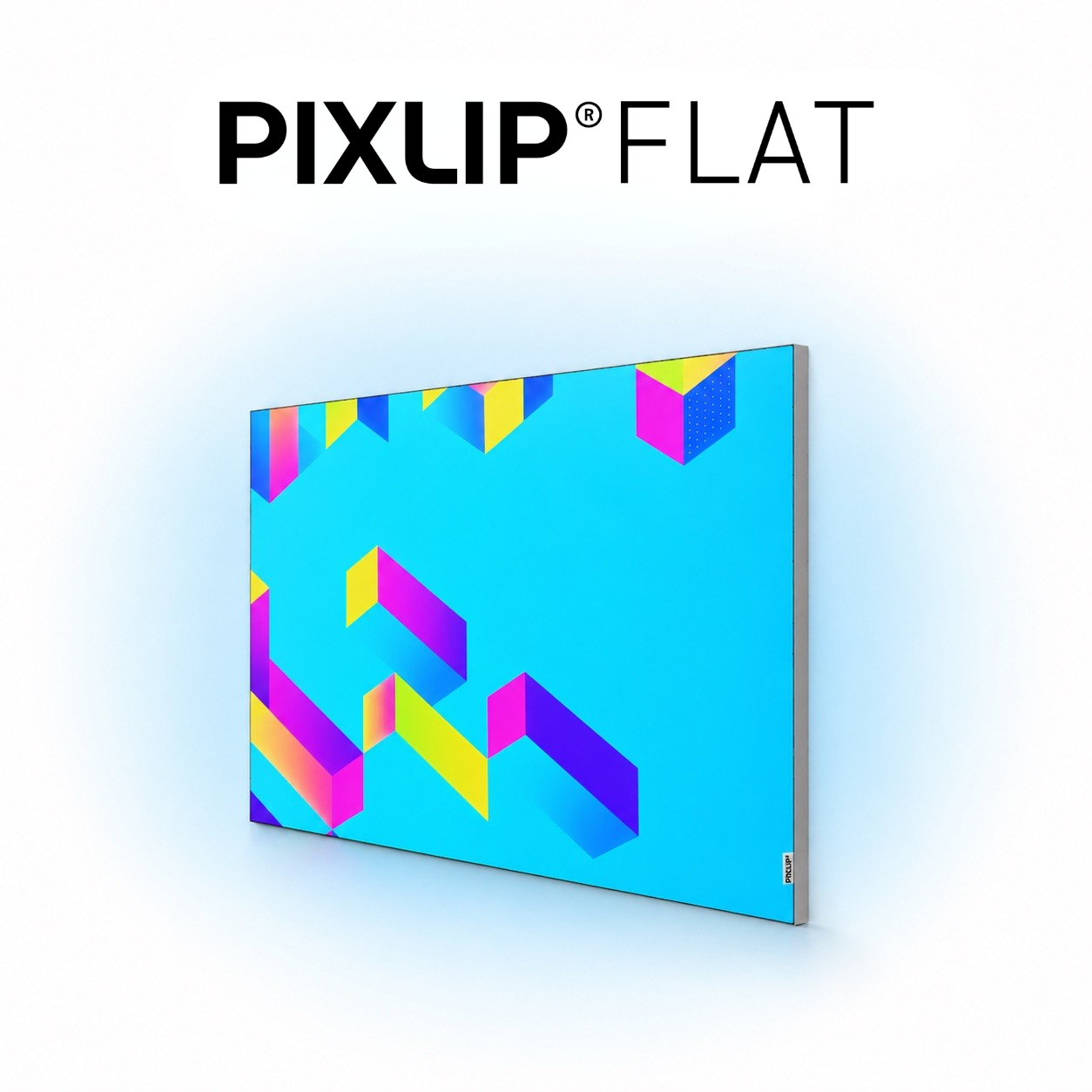
Here you can download our PIXLIP FLAT print data sheet as a PDF.
Includes all technical requirements for format, bleed rules based on linear dimensions, color profiles, and the correct setup of your FLAT print data.
Optimize print data
Briefly explained
To create optimal print-ready files, it is advisable to know and understand some of the technical terms used in printing and print optimization. We have summarized and explained the most important ones in detail here for our customers.
Section
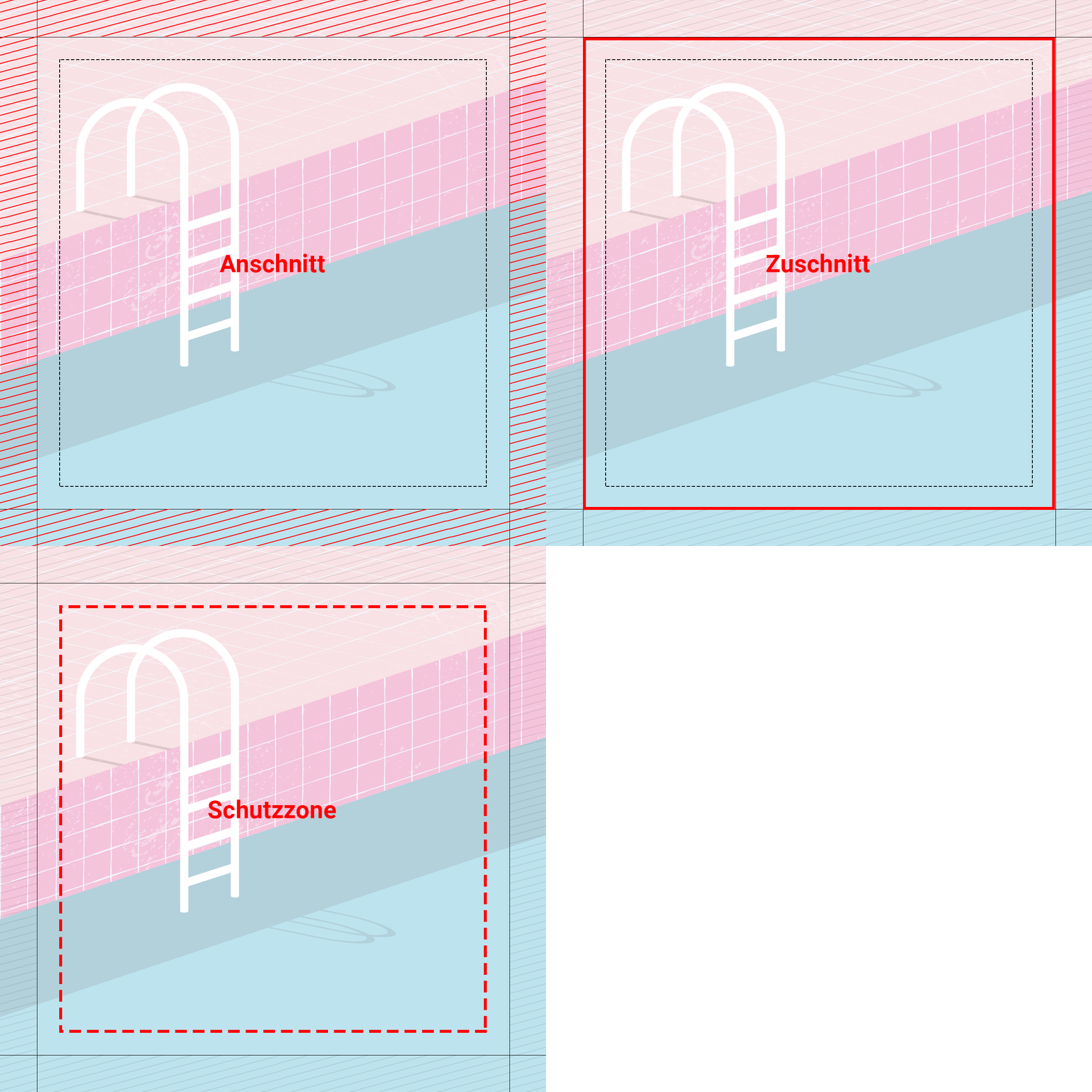
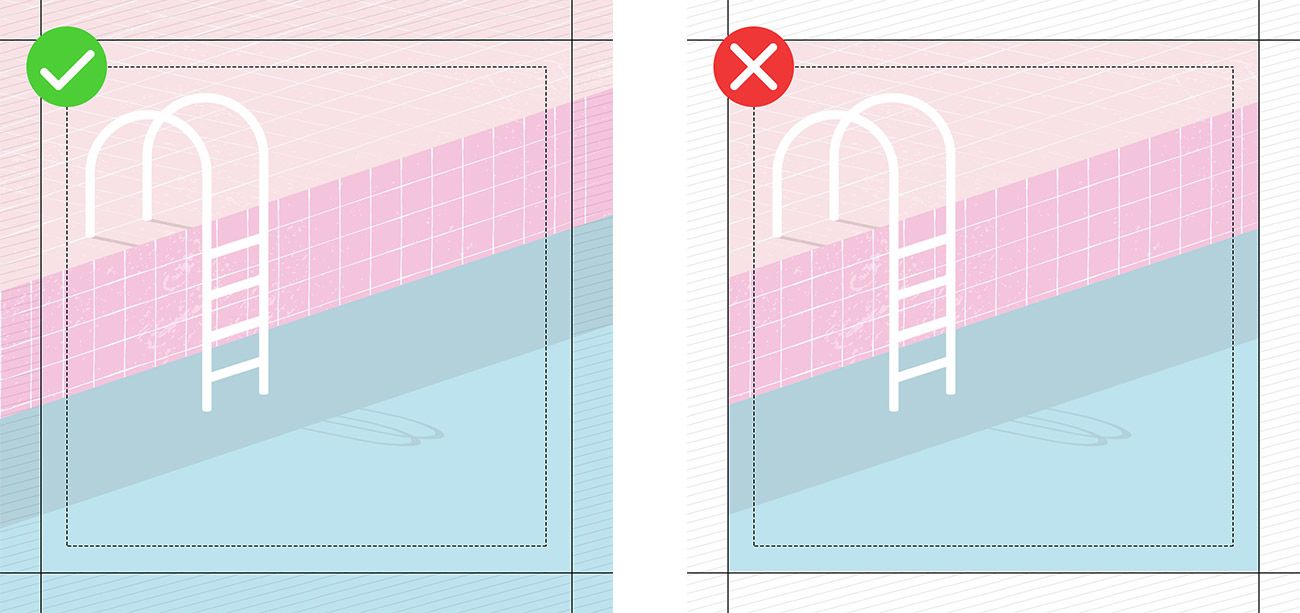
The bleed is the area outside the trim size that is subsequently sewn to the rubber edging after printing. To avoid white flashes, it should extend around the entire perimeter by 1% of each side length. For frame dimensions under 2000 mm, a bleed of 20 mm is required. Whether it is a photo or graphic design, the background of the print file should fill the entire bleed area.
For a frame size of 1000 x 3000 mm, the print data size is therefore 1040 x 3060 mm. The crop, cutting, or registration marks commonly used in layout programs must not be activated within the data format.
Protected area
The safe area lies within the cut line and describes the area in which text, important parts of a photo, logos, or other design elements should be placed. The area outside this zone is a maximum of 20 mm. To ensure that all details remain visible in the final format, all important design elements should lie within the safe area. The printed textiles have a high degree of stretch, so particularly with large designs, there is a risk that elements extending to the edge may disappear under the rubber lip in the frame. Outlines and borders around the entire design are not recommended. Due to the flexibility of the textile, they may easily turn out uneven or off-center.
dpi
The dpi value indicates the dot density when reproducing an image and is therefore one of the quality aspects of printing. The abbreviation stands for dots per inch. The finer the dot density, the better these dots blend together to the human eye, and the better the print result is perceived. Since we print on a textured surface (fabric), we need a lower resolution (dot density) of 72 dpi than, for example, paper printing (300 dpi).
CMYK
A process color is created by printing specific colors at different screen angles. In the classic four-color printing process we use, these colors are cyan, magenta, yellow, and black. The supplied print data should therefore be created exclusively in pure CMYK. Using Lab or RGB color spaces may result in color deviations.
Cut-to-size
The final size of the textile print is referred to as the cut size. This is the area of the design that will later be backlit in the frame and is identical to the ordered frame dimensions.
Textile prints
Comparison of printing methods
At PIXLIP, we offer our customers two different printing processes. Below, we explain the advantages and disadvantages of each process and which applications each one is particularly well suited to.
UV printing
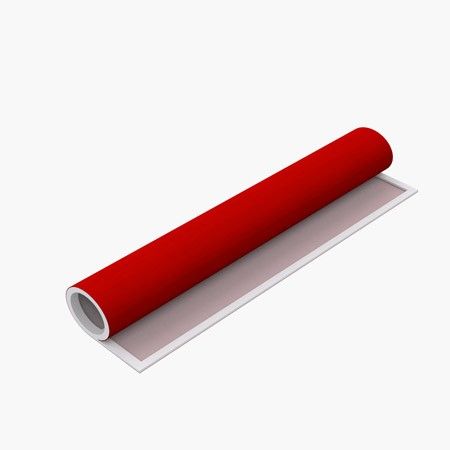
UV printing is considered particularly environmentally friendly because it contains no volatile organic compounds. The ink is cured directly after being applied to the textile’s surface using ultraviolet (UV) light. Unlike sublimation printing, the ink does not penetrate the fabric; instead, it forms a satin finish on the material. This process produces exceptionally sharp and brilliant textile prints. UV curing gives the print high durability and protects against yellowing, making it suitable for outdoor use as well. The prints can only be stored and transported rolled up.
Sublimation printing (SUB)
Sublimation printing is one of the so-called transfer printing processes. The dyes in the pre-made transfers become gaseous under the influence of heat and pressure, allowing them to migrate into the open pores of the textile fibers. This process is called sublimation. As soon as the temperature and pressure decrease, the pores close and the dye becomes permanently embedded in the fiber. This results in very high durability. The prints can be stored folded and transported cost-effectively.
Design tips
Design successfully
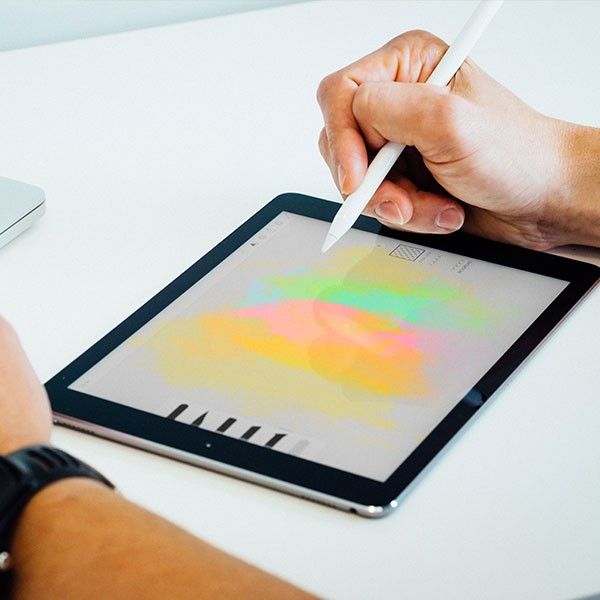
Nothing is more inspiring than a blank sheet of paper. It is the opportunity—or the necessity—to create something unique. But how does an idea actually become the compelling concept the boss keeps talking about? We show how a vague thought becomes a clear core message and how a sketch becomes the perfect poster.
Decision
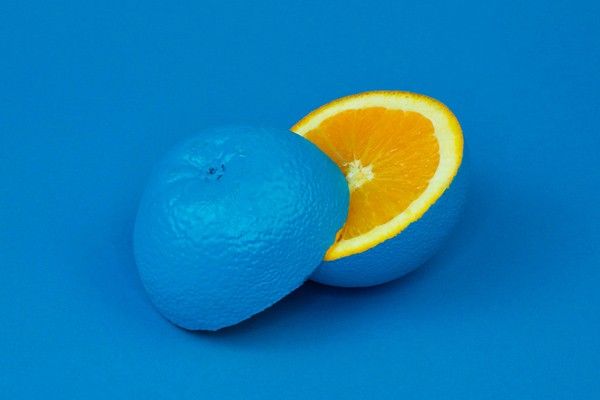
Successful marketing follows a key principle from engineering: Keep it simple and short. Especially at trade fairs and in shop windows, even backlit advertising visuals are viewed for an average of only 1–3 seconds, during which the entire message must be absorbed and decoded. This requires precision and a concise message. We therefore recommend limiting the design to a maximum of five core elements: a short, concise headline combined with a clear, high-contrast arrangement of the background, packshot, and other visuals, along with the company logo.
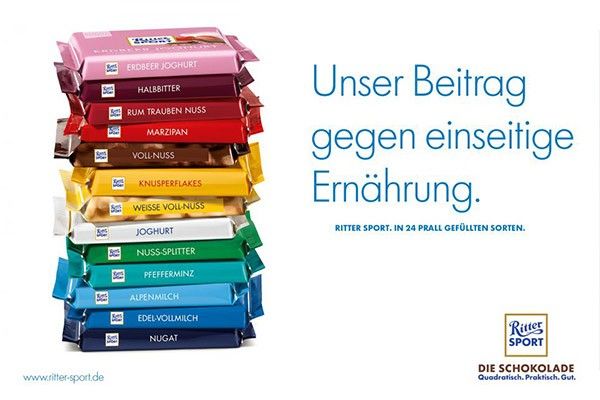
Create hierarchies
Good advertising is a balancing act. Despite its simplicity, it must convey enough information to communicate the advertiser’s message. When designing the illuminated motif, a hierarchy should therefore be established in advance that takes the viewer’s subsequent visual and reading direction into account. To speed up the decoding process, all design elements should also be positioned clearly and distinctly from one another. Accordingly, packshots and brand symbols should not be obscured by other image components.

Show who you are
Especially in trade fair settings, the correct positioning, color scheme, and dimensions of the brand logo are crucial. As the visual representative of the sender, it is an important part of the corporate identity and is stored in consumers’ memories as such. Logos should therefore be visible from a considerable distance and positioned effectively in accordance with the design hierarchy.
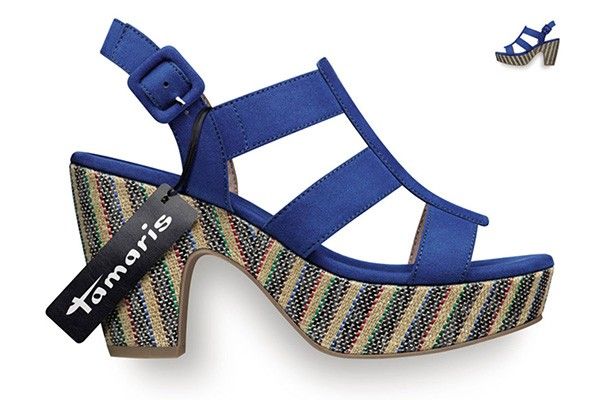
Go big, not small.
Every advertising design is based on a so-called key visual, which supports the central message of the design. This can equally be a product, person, slogan, or logo. However, it is important that it is highlighted as the central element and positioned prominently. To emphasize its importance, it is advisable to reinforce this prominence by displaying it proportionally larger than subordinate elements. Ideally, its size should be at least 40% of the format height.
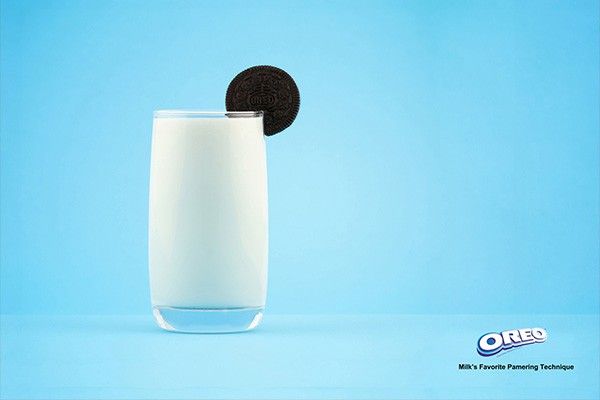
Create contrast
Backlit graphics do not always have it easy either: Especially in the trade fair industry, they have to stand out in a visually overloaded and overstimulating environment. Colorless designs cannot withstand these demands. They get lost in the crowd. By contrast, the right use of color accents and contrasts creates captivating compositions. Differentiating the elements by color enhances the eye-catching effect.

Stay visible
Long-distance impact is a central aspect of design. Therefore, to ensure good headline readability, a font size of 12–15% of the format height is considered ideal. For sublines, however, a font size of 7–10% of the height is recommended. To avoid disrupting readers’ flow, a maximum of three font sizes should be mixed.

Less is more
A written advertising message is effective when viewers can grasp it within 2 seconds. Slogans or headlines should therefore contain no more than 5 words or two lines.
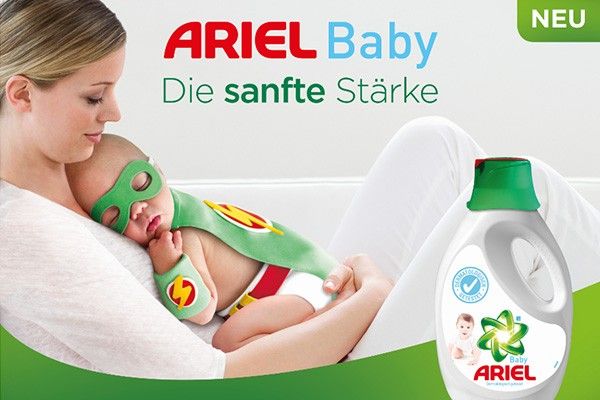
Stay positive
Backlighting the advertising visuals contributes to an overall positive perception of the message. Combined with a friendly design, this external presentation attracts greater attention and improves recipients’ ability to remember it. In particular, depicting faces is intended to support this effect.