








PIXLIP GO LIGHTBOX 300 WIDE - Assembly Instructions
Quick Overview
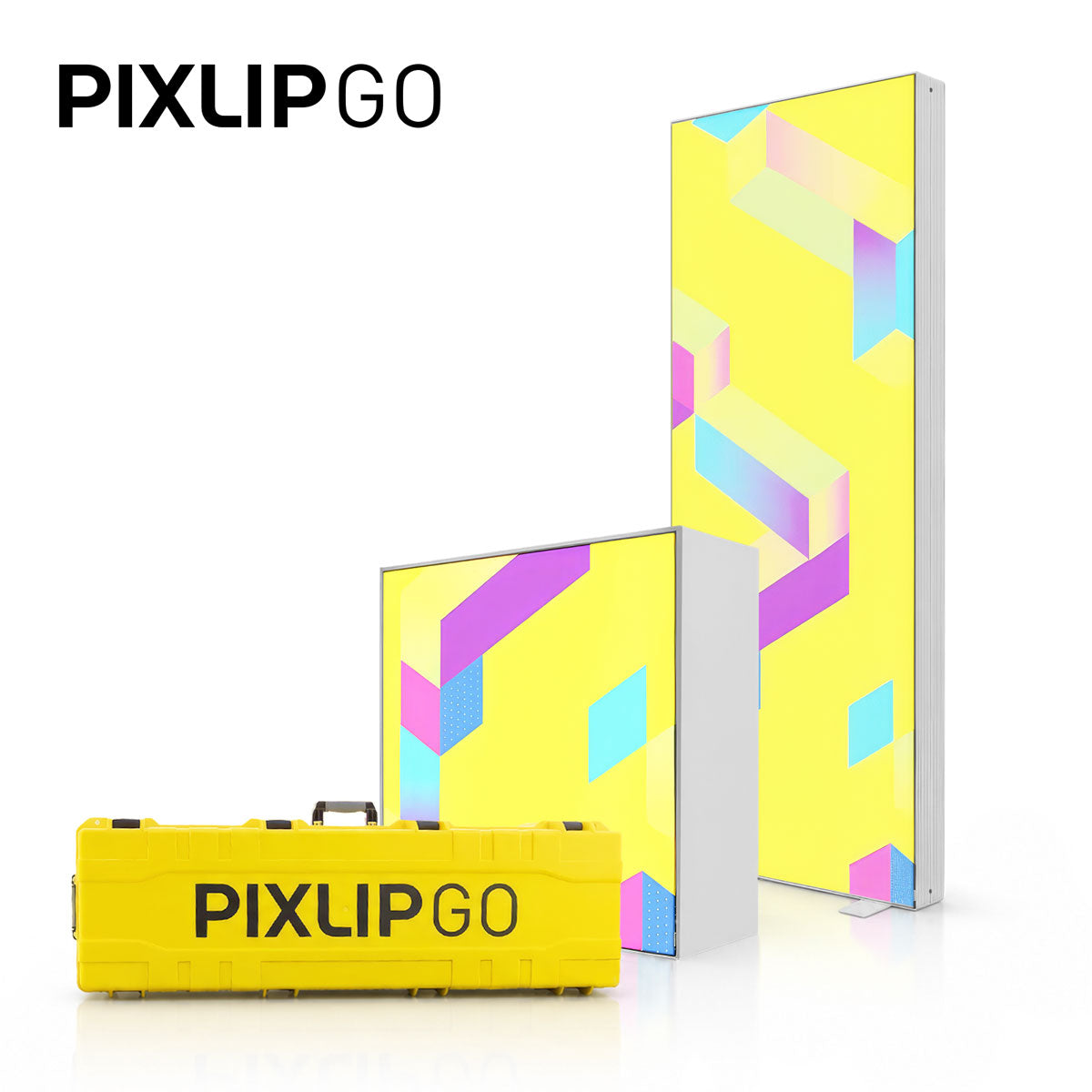
The PIXLIP GO Lightbox with a width of 300 cm is a lightweight, easy-to-transport display for trade shows, events, and POS. Despite its size, everything fits into two practical bags and can be assembled completely without tools. I will explain step by step what is included in the delivery, how the frame is assembled, how the wiring is connected, and how to stretch the textile without wrinkles.
Scope of Delivery and Preparation
Before you start, lay out all the parts in an organized way. The delivery includes:
- LED modules for the frame (top and bottom)
- Corner and longitudinal connectors for quickly connecting the profiles
- Base plates for stability
- Side profiles with built-in power supplies
- Spiral cables (short and long) as well as small connection cables
- Vertical braces, brace crosses, and center braces
- Print clips (blockout and printed textile)
- Cable clips and small plates for cable routing
- Extension cable for connecting multiple modules
Step-by-Step Assembly
-
Lay out the parts and build the base frame
Lay out all the parts clearly. I start with an LED module, attach a corner connector and a longitudinal connector, and slide a base plate under each connector. This allows me to connect three lower LED modules into a stable base row.

The modules are connected in series using the short connection cables. No force or tools are required for the entire assembly. The system fits together precisely and is easy to position.

-
Insert the power supplies and set up the side profiles
Connect the power supply using the short extension and place it in the notch of the corner connector. Then place the two side profiles with the built-in power supplies vertically onto the corner connectors.
Important: On the power input side, the opening for the spiral cable faces upward; on the opposite side, it faces downward. Then plug the power plug into the power supply from below.
-
Complete the frame
The longitudinal connectors go onto the side sections. Between the LED modules on the base, I insert the first two vertical braces. Using the two brace crosses and the three center braces, connect everything so that the large frame will retain its shape when the textile is attached.
To achieve the correct height, place the two side profiles onto the longitudinal connectors, insert the vertical braces into the brace crosses, and finish the top with the remaining three LED modules: connect the corner profile, LED module, and longitudinal connector, then place them on top.
-
Wiring - always work in the direction of the power flow
1. Use the shorter spiral cable to connect the power supply down to the first LED module.
2. From the first power supply, use the long cable to extend to the second power supply.
3. From there, the long spiral cable leads upward to the upper LED modules, which are connected to one another using the small connection cables.
If several PIXLIP GO elements are to be connected, use the supplied extension cable. Connect it to the power supply and guide it outward through the small opening in the corner connector to supply power to the next module.
The delivery includes cable clips and small plates. Use them to securely attach the wiring to the braces and profiles. Before attaching the textile, I always check that all the lamps are lit.
-
Attach the textile - blockout first, then the print
Start with the back (blockout). I start in an upper corner: take a print clip, press the wedge into it, and insert the clip into the groove at the top corner of the frame. For large elements, I recommend having a third hand...it is much easier with two people.
Work your way around until the textile is smooth and wrinkle-free. The front printed graphic is then inserted in exactly the same way. After just a few minutes, the element shines and impresses with bright LED illumination.